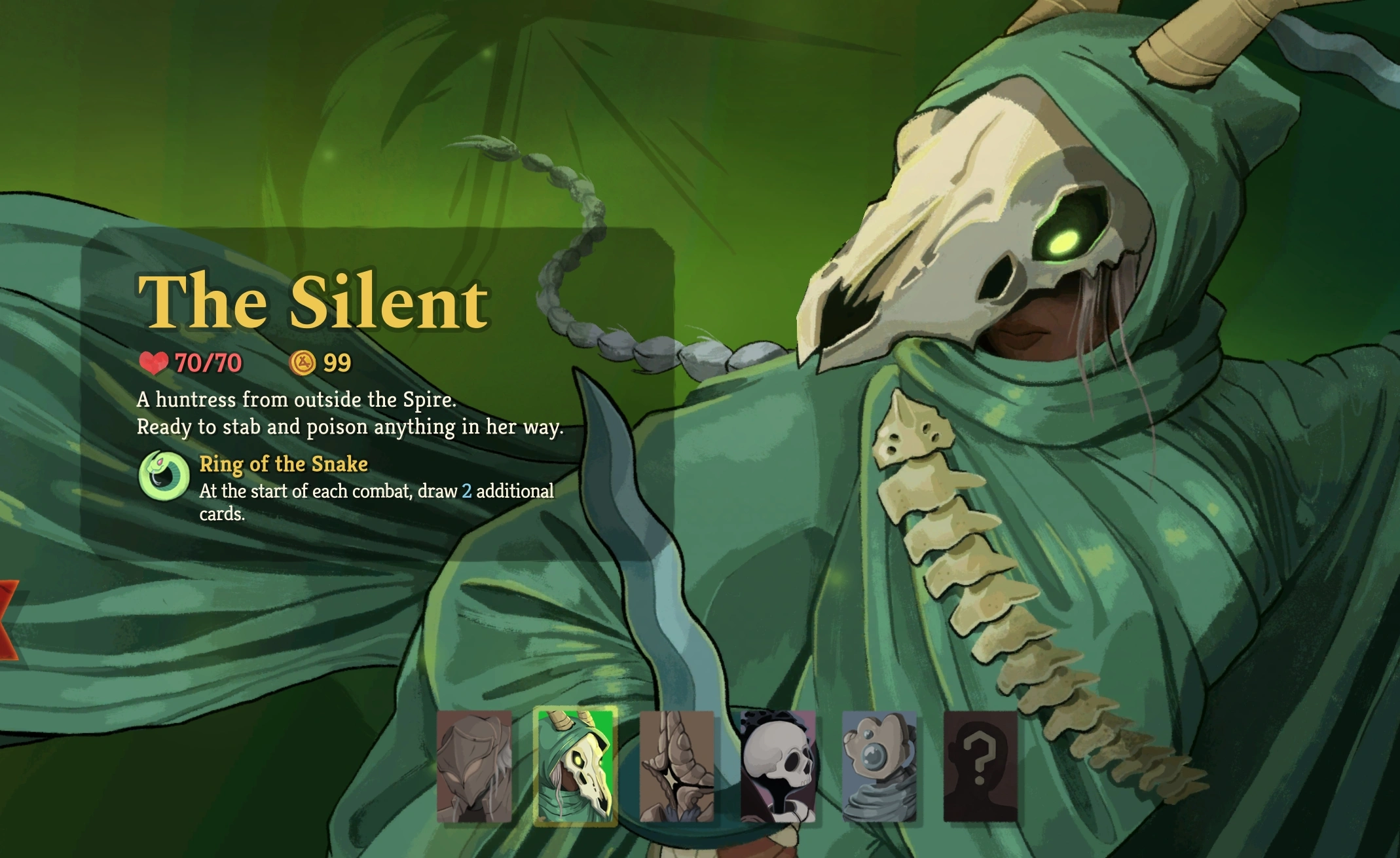
All Characters Unlocked (Save)
A simple cheat mod that unlocks all characters in the game.
This modification provides immediate access to the entire playable roster in Slay the Spire 2. Instead of completing multiple runs to reveal new classes, players can instantly unlock the Silent, Regent, Defect, and Necrobinder charecters.
Unlocking characters manually triggers specific visual events built into the game’s Timeline hub. After completing or exiting your first run with the mod installed, the game will automatically force you into the Timeline screen to play the unlock animations. You simply need to click through these prompts once, and the game will function normally thereafter.

How to unlock all characters
You must launch the game at least once to generate the necessary local profile and save directories.
- Go to C:\Users\YOUR_USERNAME\AppData\Roaming\SlayTheSpire2\steam\<STEAM_ID>\profile1\saves. <STEAM_ID> in this case is just a number, for example 67091561023544465. You can use Win+R, paste %APPDATA%\SlayTheSpire2\steam and click OK to enter this folder. Alternatively, open File Explorer, paste the path into the address bar at the top, and press Enter.
- Find a file called progress.save. Make backup (Ctrl+C -> Ctrl+V).
- Then open it with Notepad or any other Text editor.
- Find string:
"epochs": [],
- Replace it with:
"epochs": [ {"id": "SILENT1_EPOCH", "state": 3}, {"id": "REGENT1_EPOCH", "state": 3}, {"id": "DEFECT1_EPOCH", "state": 3}, {"id": "NECROBINDER1_EPOCH", "state": 3} ], - Save the file.
Note: if you wish to unlock all characters in another profile (second or third) edit progress.save in folders profile2 or profile3 respectively.
Note 2: if Singleplayer and Multiplayer buttons are greyed-out, click on Timeline (in main menu) and select a few unlocked epochs.
To delete all profiles just delete the <STEAM_ID> folder. To delete any profile, delete profile1, profile2 or profile3 folder.