Slay the Spire 2 Console Commands
A list of Slay the Spire 2 console commands.
Press ~ on your keyboard to open the console.
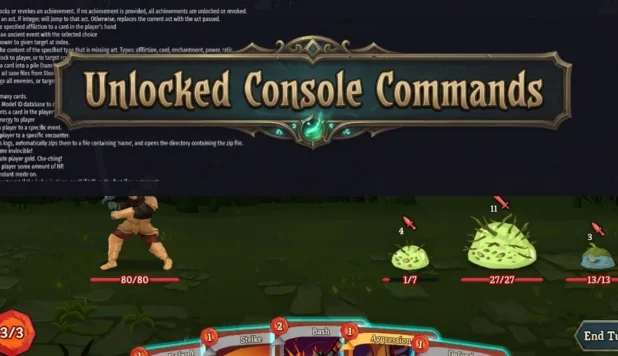
Note: You have to run the game in debug mode or install Unlocked Console Commands mod to execute majority of commands listed here.
Available Commands
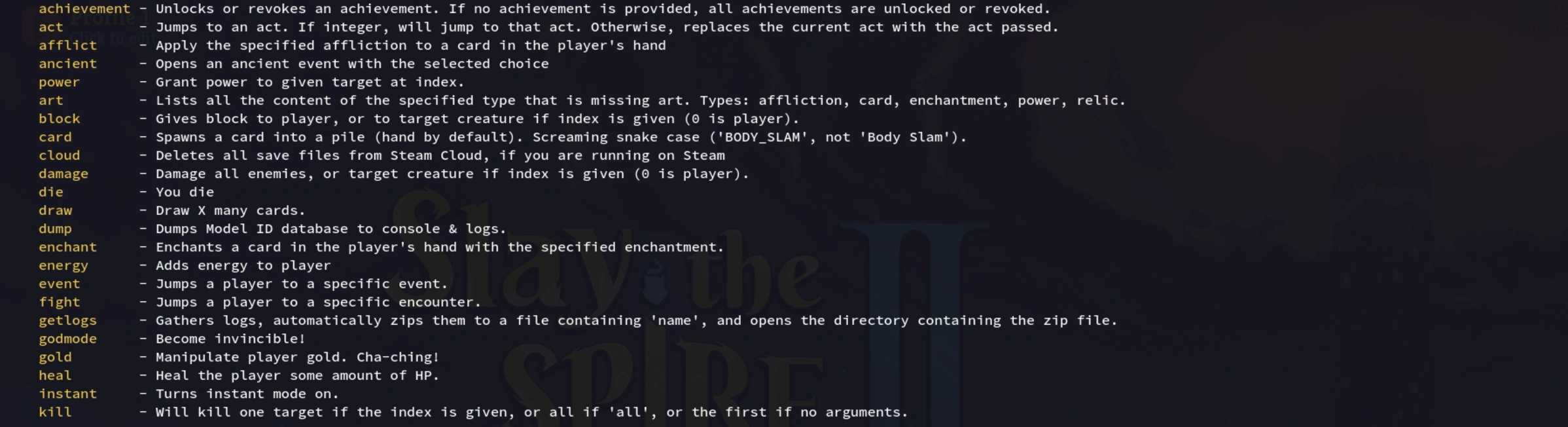
- achievement – Unlocks or revokes an achievement. If no achievement is provided, all achievements are unlocked or revoked.
- act – Jumps to an act. If integer, will jump to that act. Otherwise, replaces the current act with the act passed.
- afflict – Apply the specified affliction to a card in the player’s hand.
- ancient – Opens an ancient event with the selected choice.
- power – Grant power to given target at index.
- art – Lists all the content of the specified type that is missing art. Types: affliction, card, enchantment, power, relic.
- block – Gives block to player, or to target creature if index is given (0 is player).
- card – Spawns a card into a pile (hand by default). Screaming snake case (‘BODY_SLAM’, not ‘Body Slam’).
- cloud – Deletes all save files from Steam Cloud, if you are running on Steam.
- damage – Damage all enemies, or target creature if index is given (0 is player).
- die – You die.
- draw – Draw X many cards.
- dump – Dumps Model ID database to console & logs.
- enchant – Enchants a card in the player’s hand with the specified enchantment.
- energy – Adds energy to player.
- event – Jumps a player to a specific event.
- fight – Jumps a player to a specific encounter.
- getlogs – Gathers logs, automatically zips them to a file containing ‘name’, and opens the directory containing the zip file.
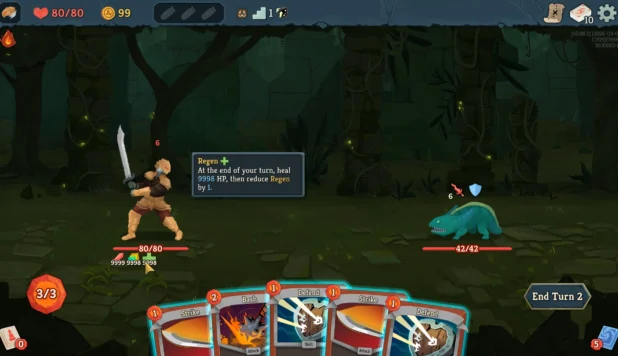
- godmode – Become invincible!
- gold – Manipulate player gold. Cha-ching!
- heal – Heal the player some amount of HP.
- instant – Turns instant mode on.
- kill – Will kill one target if the index is given, or all if ‘all’, or the first if no arguments.
- leaderboard – Adds scores to the leaderboard. Option can be upload|random. If random, <count> random scores will be uploaded to leaderboard <name>. If upload, one score will be uploaded to leaderboard <name> with <score>.
- log – Set log level for specific log types. Type can be: Generic, Network, Actions, GameSync, VisualSync. Levels can be: VeryDebug, Load, Debug, Info, Warn, Error.
- multiplayer – Opens the multiplayer menu, or the test scene if test is the first argument.
- open – Opens a common path in the local OS file browser.
- potion – Adds potion to belt. Screaming snake case (‘ENTROPIC_BREW’, not ‘Entropic Brew’).
- relic – Adds/Removes relic from player (add by default).
- remove_card – Removes a card from your Hand or Deck. Screaming snake case (‘BODY_SLAM’, not ‘Body Slam’).
- room – Jumps a player to a specific room.
- log-history – Saves command history and opens a common path to it in the local OS file browser.
- sentry – Test Sentry error reporting. ‘test’ sends a test message and exception, ‘message <text>’ sends a custom message, ‘exception’ throws a test exception, ‘crash confirm’ triggers a native crash (terminates game!), ‘status’ shows Sentry status.
- stars – Adds stars to player.
- trailer – Toggles the ability to show and hide UI elements via 0–9 and +- keys.
- travel – Enables you to jump to any room on the map.
- unlock – Marks all cards/potions/relics/monsters/events/epochs/ascensions as discovered, or ‘all’ to unlock everything.
- upgrade – Upgrade the target card based on its hand position (0 is the left most).
- win – You win the combat.
Use ‘help <cmd>’ to obtain help on a specific command.